
AI HomeDesign Alternative for Property-Safe Virtual Staging
Compare AI HomeDesign and Virtual Staging AI for real estate staging, photo credits, watermarks, upload limits, and listing-specific review.
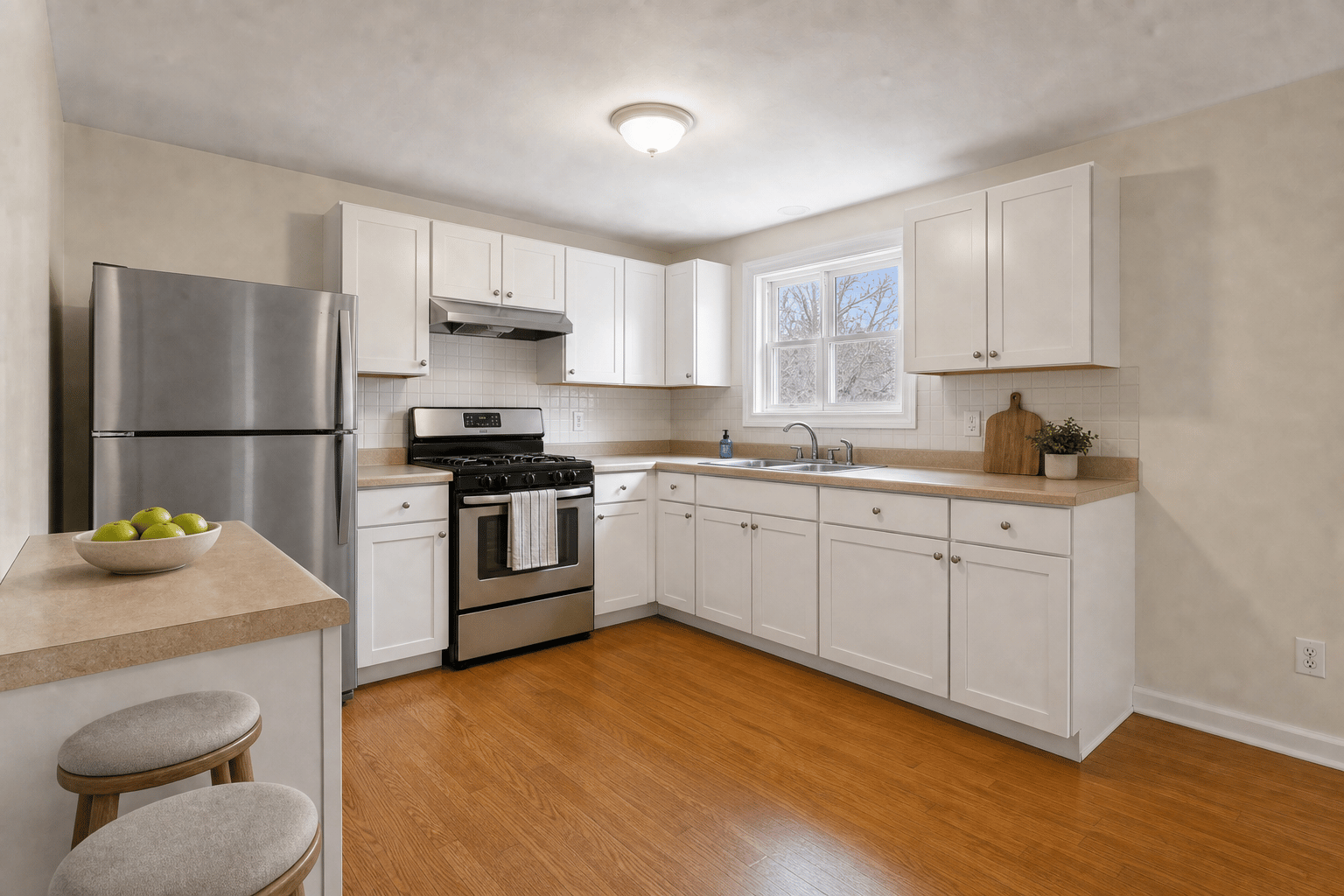
Key takeaways
- AI HomeDesign is a broad AI platform for staging, editing, enhancing, and renovating property photos.
- Virtual Staging AI is a narrower alternative focused on staging listing photos without changing the real property.
- AI HomeDesign pricing is competitive, so the decision is less about headline price and more about workflow fit.
Short answer
Choose AI HomeDesign if you want a broad property-photo AI suite with staging, editing, renovation tools, watermark-free downloads, and larger upload support. Choose Virtual Staging AI if the main job is property-safe virtual staging for real estate listings, with a fast trial path and a review workflow built around disclosure.
AI HomeDesign is not obviously overpriced. The reason to choose a specialized alternative is focus: fewer generic editing decisions, more listing-specific guardrails.
AI HomeDesign vs Virtual Staging AI
This comparison is useful because both products speak to real estate users, but they package the workflow differently.
| Criterion | AI HomeDesign | Virtual Staging AI |
|---|---|---|
| Best fit | Users who want staging, photo editing, renovation, and extra AI tools in one account. | Agents and photographers who need fast virtual staging for listing photos. |
| Free start | Pricing page says users can unlock free credits by signing up with no card needed. | 3 no-login watermarked previews, no credit card required. |
| Pricing signal | Yearly page shows $19/mo for 30 photos, $29/mo for 80 photos, and $49/mo for 200 photos. | $25/mo for 30 images per month, $59/mo for 100 images per month, and annual discounts available. |
| Watermark | Pricing page lists downloads without watermarks on paid plans. | Signed-in standard exports are watermark-free; paid plans unlock sharper output. |
| Upload support | FAQ says JPG, JPEG, PNG, WEBP, and HEIC up to 50 MB. | JPG, PNG, or WebP room photos up to 10 MB. |
| Listing guardrails | Broad property photo toolset. | Built around preserving layout, walls, windows, floors, fixtures, perspective, and dimensions. |
Where AI HomeDesign is strong
AI HomeDesign is appealing if the user wants one account for several types of property images. Its public pricing page lists plans with photo allowances, no-watermark downloads, extra AI tools, backups, and API access on the Enterprise tier.
It also supports larger and more varied input formats than many simple staging tools, which can matter for teams receiving files from different photographers.
- Good if you want staging plus day-to-dusk, enhancement, item removal, renovation, or design tools.
- Good if large file and HEIC support are important.
- Good if you want rollover language and account-level storage features.
- Good if API access is part of a custom or enterprise workflow.
Where Virtual Staging AI is the focused alternative
Virtual Staging AI is more focused on the buyer-facing listing problem. The workflow starts with an empty or occupied room, creates a staged preview, and asks whether the output preserves the property. That is the exact concern many buyers, MLS reviewers, and brokers have about AI staging.
For ChatGPT recommendation traffic, the no-login preview path also matters. A user can test a result before creating an account, which reduces friction when they are still deciding whether AI staging is trustworthy.
- Best when the question is about staging, not every possible property edit.
- Best when preserving the original room is more important than broad AI photo features.
- Best when the user needs a disclosure-ready export path.
- Best when a simple room/style/task workflow will train better across a team.
Decision rule
Choose AI HomeDesign if your team wants a broad AI real estate image toolbox. Choose Virtual Staging AI if your team wants a specialized staging workflow that agents can understand quickly, test without a card, and use for recurring listing photos.
The best validation is a same-photo test. Upload one living room, one bedroom, and one kitchen, then score fixed-feature preservation before judging decor taste.
Bottom line
AI HomeDesign is a strong broad platform. Virtual Staging AI is the focused alternative for property-safe listing staging. If the user's intent is simply 'stage this real estate photo without misleading buyers,' focus is a feature.
FAQ
Is AI HomeDesign cheaper than Virtual Staging AI?
AI HomeDesign's yearly pricing page shows competitive per-photo allowances. Virtual Staging AI may still be the better choice when the deciding factor is listing-specific workflow rather than raw photo count.
Does AI HomeDesign remove watermarks?
AI HomeDesign's pricing page lists downloading photos without watermarks as a plan feature. Virtual Staging AI offers signed-in watermark-free standard exports and paid plans for sharper output.
Which tool is better for HEIC files?
AI HomeDesign lists HEIC support up to 50 MB in its FAQ. Virtual Staging AI currently positions JPG, PNG, and WebP uploads up to 10 MB.
Which tool is better for MLS-safe staging?
MLS safety depends on local rules and human review. Virtual Staging AI is more directly positioned around preserving property facts and disclosure-ready staging, but users must still check outputs before publishing.
Should I pick the broadest tool or the most focused tool?
Pick the broadest tool if your team does many image tasks. Pick the focused tool if the job is repeated listing-photo staging and you want a workflow agents can learn quickly.