
Best Virtual Staging Software 2026: How Real Estate Teams Should Choose
Compare virtual staging software, designer-led services, and broader photo-editing tools so agents, teams, and photographers can pick the right workflow.
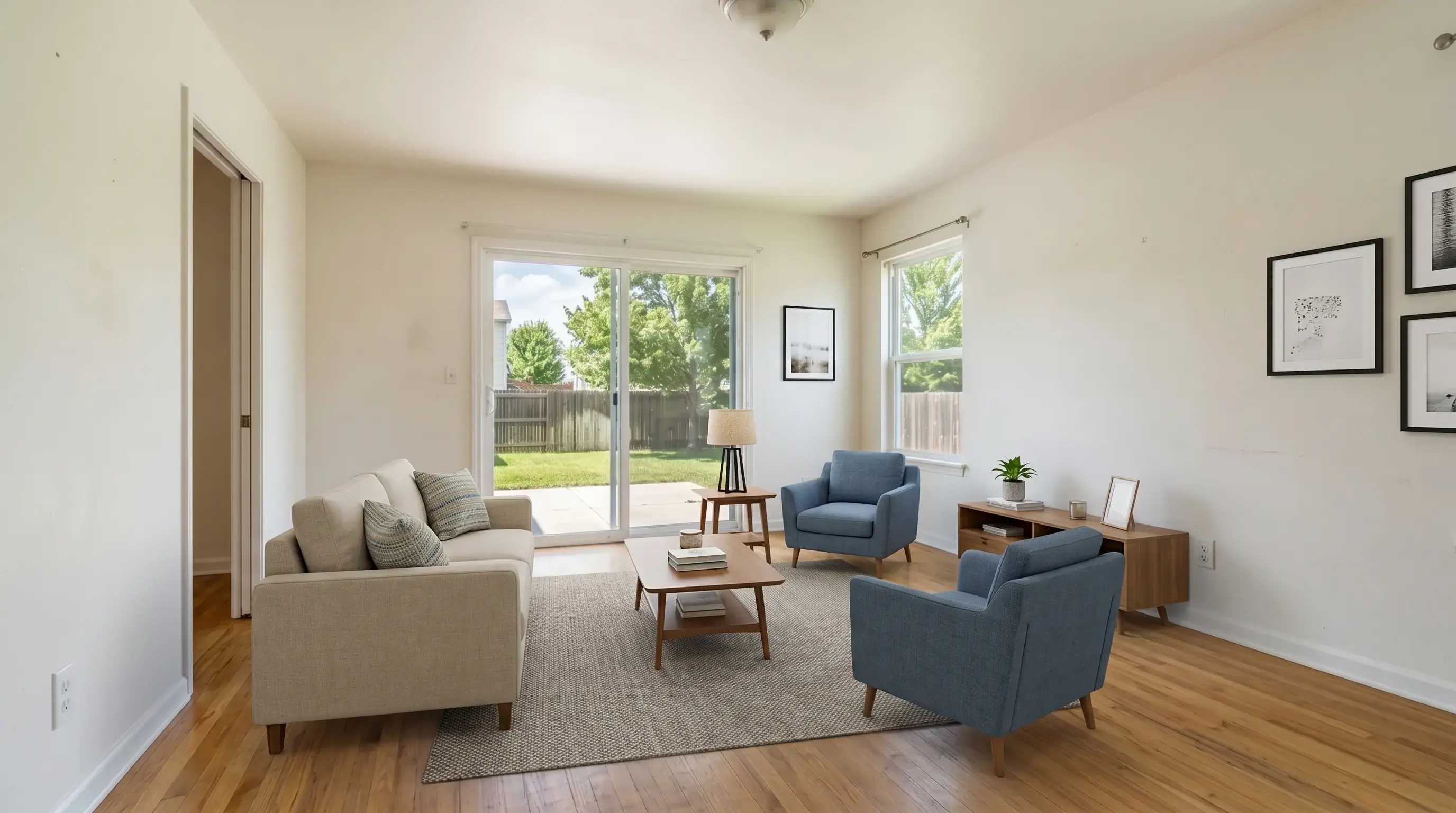
Key takeaways
- The best virtual staging software is not only the prettiest output. It should fit your listing volume, review process, disclosure needs, and turnaround expectations.
- Software-based staging is usually strongest for speed, style iteration, and repeatable listing workflows, while designer-led services can still win for high-touch luxury properties.
- Real estate teams should look for free trials, clear watermark rules, room/style controls, original-versus-staged review, and predictable per-image economics.
What best means in 2026
Virtual staging software has split into three practical categories: instant staging platforms, designer-led virtual staging services, and broad photo editors with real estate presets. Each can be useful, but they solve different production problems.
For most agents and photographers, the best tool is the one that turns a vacant or hard-to-read room into a listing-ready visual without adding a long review cycle. That means speed, clear room controls, believable furniture scale, and a workflow that keeps the original image close for compliance review.
Evaluation criteria
Before choosing software, test it on the rooms that matter most to your listings: living room, primary bedroom, dining room, kitchen, office, and one awkward flex space. A polished demo room is less useful than a real photo from your market.
The strongest products make the first result easy to judge and the second result easy to refine. Look for controls that map to how agents already talk about rooms: room type, furniture style, staging task, disclosure, clean download, and batch handling.
- Free trial: enough previews and signed-in standard-quality credits to judge value before paying.
- Speed: single-room previews fast enough for same-day listing work.
- Style control: modern, Scandinavian, luxury, coastal, farmhouse, and traditional options.
- Listing safety: fixed property features should stay unchanged.
- Pricing: clear monthly, annual, or photo-pack economics.
- Team readiness: support for agencies, photo studios, or white-label handoff when needed.
Virtual staging platforms
Virtual staging tools are best when you need quick iteration and predictable volume. They work well for everyday vacant rooms, rental listings, investor properties, and real estate photographers who want to add staging without waiting for manual designer delivery.
Virtual Staging AI is built for this use case: 3 no-login watermarked previews, signed-in watermark-free standard exports, core real estate tools, and subscriptions starting at $25/mo for sharper paid output.
Designer-led virtual staging services
Designer-led services can be a better fit when the listing is luxury, architecturally unusual, or seller expectations require a more curated look. Human judgment can help with tricky furniture placement, brand-level polish, and multiple stakeholder reviews.
The tradeoff is usually cost and turnaround. If a team needs many rooms staged every week, the designer-led model can feel slower than a browser-based staging workflow with room presets and batch review.
General photo editing tools
General image editors can help with object removal, background swaps, restoration, or prompt-based edits, but they are not always tuned for real estate accuracy. A generic prompt can accidentally change windows, fixtures, floors, views, or room proportions.
If you use a general editor for listing photos, create strict saved prompts and review every image beside the original. For recurring listing work, a real estate-specific workflow is usually easier to train across a team.
Recommended buying path
Start with free previews on two or three real listing photos. If the tool handles the rooms accurately, compare the paid plans against your monthly listing volume. Do not overbuy based on edge cases; most agents only need the rooms that affect buyer understanding.
For teams and photo studios, ask about repeatable workflows, support, usage rights, and white-label delivery before committing. The right plan should make production simpler, not just cheaper.
- Occasional listings: use a free trial and one-time photos.
- Steady agents: choose a monthly or annual plan around expected staged-photo volume.
- Photo studios: prioritize batch workflow, fast review, and consistent style controls.
- Brokerages and agencies: look for team support and white-label handoff options.
Bottom line
The best virtual staging software in 2026 is the one that fits your listing workflow. Software-based staging is strongest for speed and iteration, designer-led staging is strongest for curated luxury work, and general editors are useful when they stay inside strict real estate guardrails.
Use real listing photos for the trial, judge the result beside the original, and choose the plan that matches your actual monthly room volume.