
Is Virtual Staging Allowed on MLS? Disclosure Tips for Agents
Virtual staging is commonly used in listing marketing, but disclosure rules vary. Learn how to use staged photos without misleading buyers.
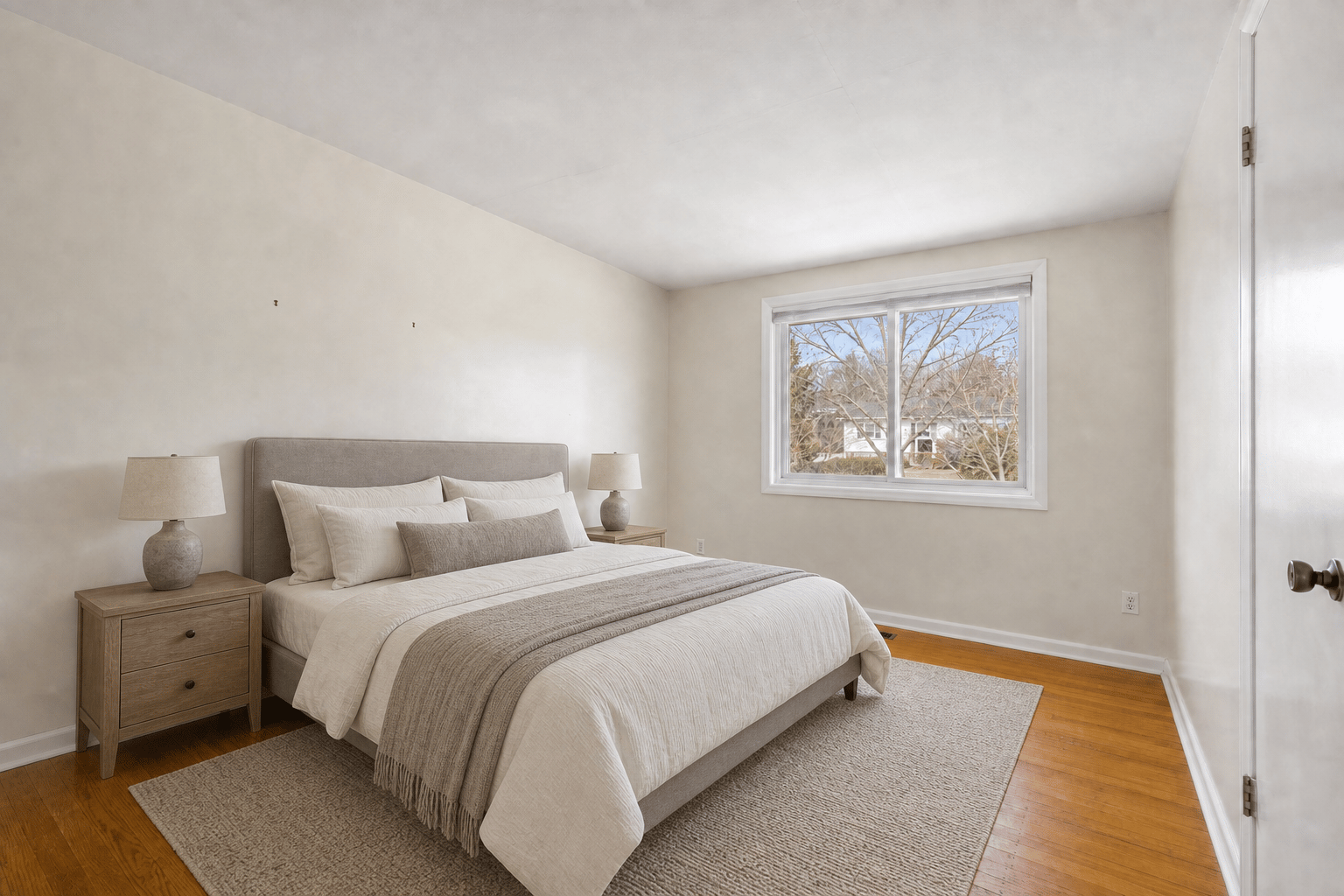
Key takeaways
- Virtual staging is commonly accepted in real estate marketing, but specific MLS, brokerage, portal, and local rules vary.
- The safest workflow is to disclose staged images, keep original photos available, and avoid changing permanent property features.
- Treat staged output as a draft that must be reviewed before publication.
The practical answer
Virtual staging is widely used in real estate marketing, but there is no single universal MLS rule that covers every market. Some MLSs allow virtually staged images with a label. Some require the original photo to be included. Some limit how much a photo can be edited. Brokerage policies and advertising laws may add more requirements.
So the practical answer is: virtual staging is often allowed, but you should check the rulebook for the MLS, brokerage, portal, and jurisdiction where the listing will be published. This article is a practical checklist, not legal advice.
Why disclosure matters
Staging is supposed to help buyers understand a space, not make them decode what is real. When buyers arrive for a showing and the property does not match what they thought they saw online, trust drops quickly.
Clear disclosure keeps the benefit of staging while reducing confusion. It also makes review easier for sellers, agents, photographers, and compliance teams because everyone can identify which images are edited.
What a safe disclosure workflow looks like
Start by keeping your original photo set. Then create staged versions for the rooms that need context. Before publishing, compare each staged image against the original and confirm that permanent features are unchanged.
If your MLS requires a visible label, add it. If your MLS requires a note in remarks, use the wording your brokerage or MLS recommends. If your market requires original photos next to staged photos, upload both in a clear order.
- Save the original file name and staged file name together.
- Add a visible 'Virtually staged' label when required.
- Mention virtual staging in listing remarks when required.
- Do not remove material defects, damage, or permanent features.
- Do not make rooms look larger than they are.
Fixed property features should stay fixed
The highest-risk edits are the ones that change the property itself. Furniture and decor are usually staging. New windows, different floors, removed damage, changed views, enlarged openings, altered fixtures, and imaginary built-ins are closer to misrepresentation unless clearly presented as renovation concepts.
Virtual Staging AI is designed around a real estate guardrail: preserve the room structure while improving the presentation. You should still review every output because automated tools can make mistakes.
How to label staged photos
The exact wording should follow your MLS or brokerage guidance. In many markets, simple labels such as 'Virtually staged' are easier for buyers to understand than vague language.
If you are publishing on social, flyers, seller reports, or paid ads, keep the same standard. A buyer should not need to know which platform they saw the image on to understand that furniture was added digitally.
Rooms and edits that deserve extra review
Some rooms create more compliance risk because staging can accidentally imply utility, square footage, or condition. Treat them carefully and check them against the original before launch.
- Small bedrooms where furniture scale could exaggerate usable space.
- Basements, bonus rooms, and garages where legal use may be unclear.
- Kitchens and bathrooms where fixtures, finishes, or damage might be altered.
- Exterior images, views, pools, landscaping, and twilight conversions.
- Occupied-to-vacant edits where removed furniture might reveal unreconstructed walls or floors.
A pre-publication checklist
Use this checklist before a staged image goes to MLS, Zillow, Realtor.com, brokerage sites, paid ads, or a seller presentation.
- Original photo is saved and available.
- Staged photo keeps the same architecture, fixtures, perspective, and room dimensions.
- No damage or material defect is hidden.
- Disclosure label or remarks match your MLS and brokerage policy.
- Seller has reviewed the staged photos if your workflow requires approval.
- The staged photo supports buyer understanding instead of replacing accurate property information.
Bottom line
Virtual staging can be a strong listing tool when it is transparent. The best practice is simple: stage the space, disclose the edit, preserve the property facts, and keep the original photo available.
When in doubt, ask your broker or MLS before publishing. A few minutes of review is much cheaper than rebuilding trust after a buyer feels misled.