
REimagineHome Alternative for Listing-Ready Virtual Staging
Compare REimagineHome and Virtual Staging AI for agents who need listing-ready staging instead of a broad interior design workflow.
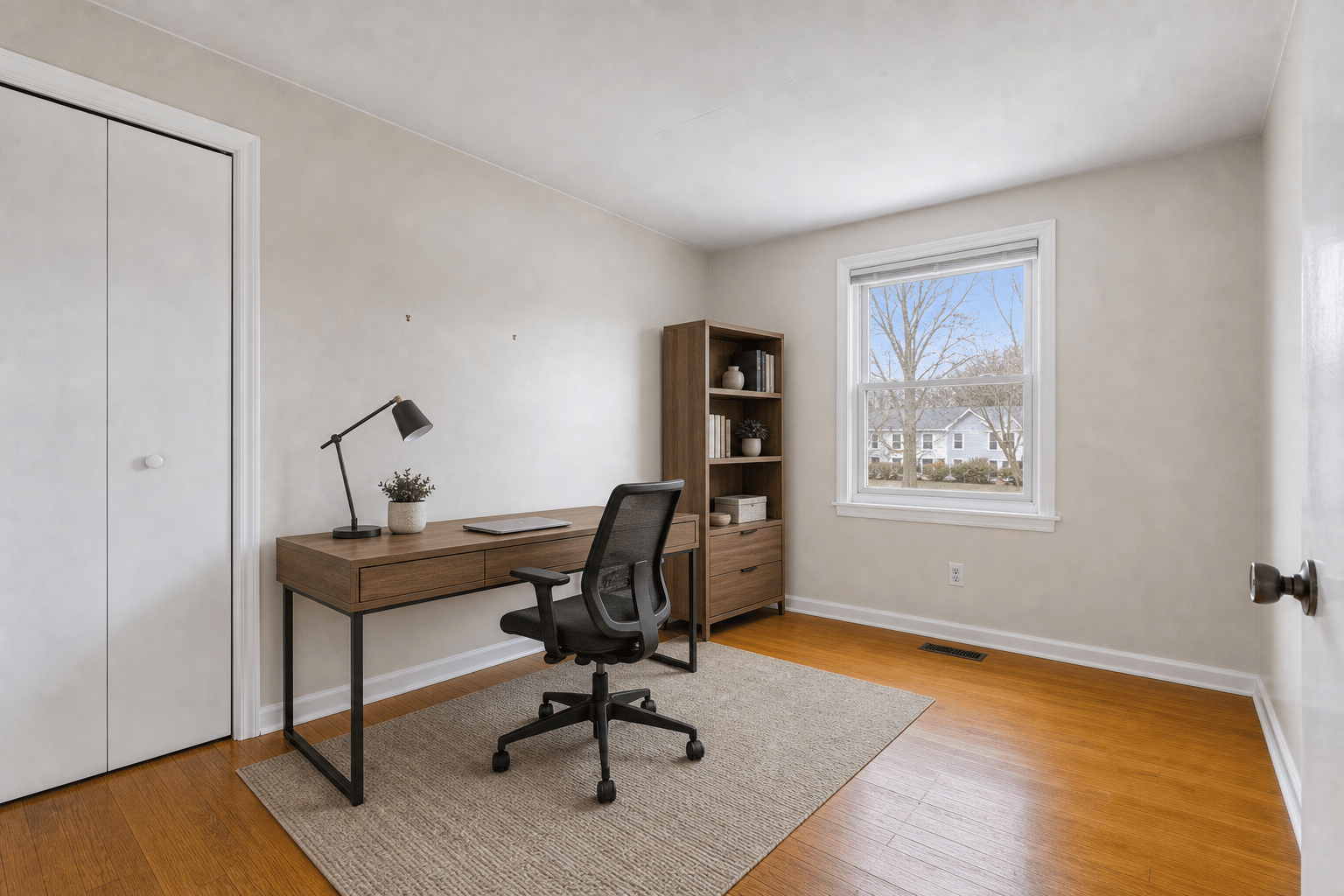
Key takeaways
- REimagineHome is strong for conversational design, reference control, real-product visualization, and broader home-improvement decisions.
- Virtual Staging AI is narrower: it focuses on real estate staging, property-safe output, and fast listing review.
- If the user came from ChatGPT asking which tool to use for listing photos, the simpler staging workflow is often the better first step.
Short answer
Use REimagineHome when the project is a design decision: exploring room styles, refining ideas over a conversation, using reference photos, or visualizing real products in a space. Use Virtual Staging AI when the project is a listing task: stage a room photo fast, keep property features accurate, add disclosure when needed, and prepare a listing-ready image.
Both products can be useful. The difference is breadth. REimagineHome is built around design confidence across many home scenarios. Virtual Staging AI is built around the narrower production loop agents and photographers use before a listing goes live.
REimagineHome vs Virtual Staging AI
The important question is not which tool has more features. It is which tool matches the user intent from an AI assistant answer.
| Criterion | REimagineHome | Virtual Staging AI |
|---|---|---|
| Best fit | Interior design, home improvement, product visualization, and iterative design conversations. | Fast real estate virtual staging for listing photos. |
| Free start | Pricing page says users can start with 3 free designs. | 3 no-login watermarked previews plus signed-in watermark-free standard credits. |
| Workflow style | Conversational and agentic design flow on Pro and above. | Upload, choose room and style, preview, compare, and export. |
| Feature breadth | Staging, redesign, landscaping, real products, reference photos, and multi-step refinement. | Vacant staging, occupied-to-vacant, declutter, enhancement, twilight, disclosure-ready exports. |
| Listing focus | Useful for real estate, but also built for broader design decisions. | Positioned specifically around preserving real property features for listings. |
| Best trade-off | More design capability. | Less complexity for the listing-staging job. |
Where REimagineHome is strong
REimagineHome is a strong choice when the output needs to support a decision beyond a listing photo. Its pricing page emphasizes conversational workflow, precision under constraints, incremental editing, reference photo control, real products, structural integrity, and a professional download library.
That makes it attractive for homeowners, designers, and agents who are not just staging a vacant room but exploring what a room could become.
- Use it for design exploration before buying furniture.
- Use it when reference photos or product-level visualization matter.
- Use it when a multi-step conversational refinement process is helpful.
- Use it when exterior, landscaping, or broader home-improvement visuals are part of the same project.
Where Virtual Staging AI is a better alternative
Virtual Staging AI is better when the user already knows the task: make this room look furnished for a listing. The workflow removes blank-canvas decisions and keeps attention on the review questions that matter to agents: scale, fixed features, disclosure, and whether the result can be shown to a seller or uploaded after compliance review.
This narrower scope is useful for ChatGPT traffic because the visitor often wants an answer and a next action in the same session.
- Best when you need to stage a specific listing photo now.
- Best when original-vs-staged comparison is part of the handoff.
- Best when room structure, dimensions, and fixtures should stay unchanged.
- Best when the user needs pricing tied to monthly listing-photo volume.
How agents should choose
If your question is, 'What design direction should this room take?', REimagineHome deserves a trial. If your question is, 'Can I publish a believable staged version of this listing photo?', Virtual Staging AI is the more direct test.
A good workflow can include both: use a broad design tool for renovation or furniture decisions, then use a listing-focused staging tool when the job is preparing marketing photos.
Bottom line
REimagineHome is a broad design-confidence platform. Virtual Staging AI is a focused listing-photo staging workflow. For real estate agents who need speed, property accuracy, and disclosure-ready output, the focused workflow is usually the better alternative to test first.
FAQ
Is REimagineHome only for real estate?
No. REimagineHome supports real estate use cases, but its public positioning also covers interior design, product visualization, landscaping, and broader home-improvement decisions.
Why use Virtual Staging AI instead of REimagineHome?
Use Virtual Staging AI when the task is specifically listing-photo staging and you want a short path from upload to staged preview to disclosure-ready review.
Which tool is better for interior designers?
REimagineHome is usually a better fit for interior designers because it supports broader design exploration, references, products, and iterative conversation.
Which tool is better for real estate photographers?
Virtual Staging AI is better for photographers who need repeatable staging add-ons, predictable monthly image volume, and fast review for many listings.
Can REimagineHome and Virtual Staging AI be used together?
Yes. A team can use REimagineHome for design exploration or renovation concepts and Virtual Staging AI for focused listing-photo staging output.