Win the listing presentation
Show sellers how vacant or awkward rooms can read online before paying for physical staging.

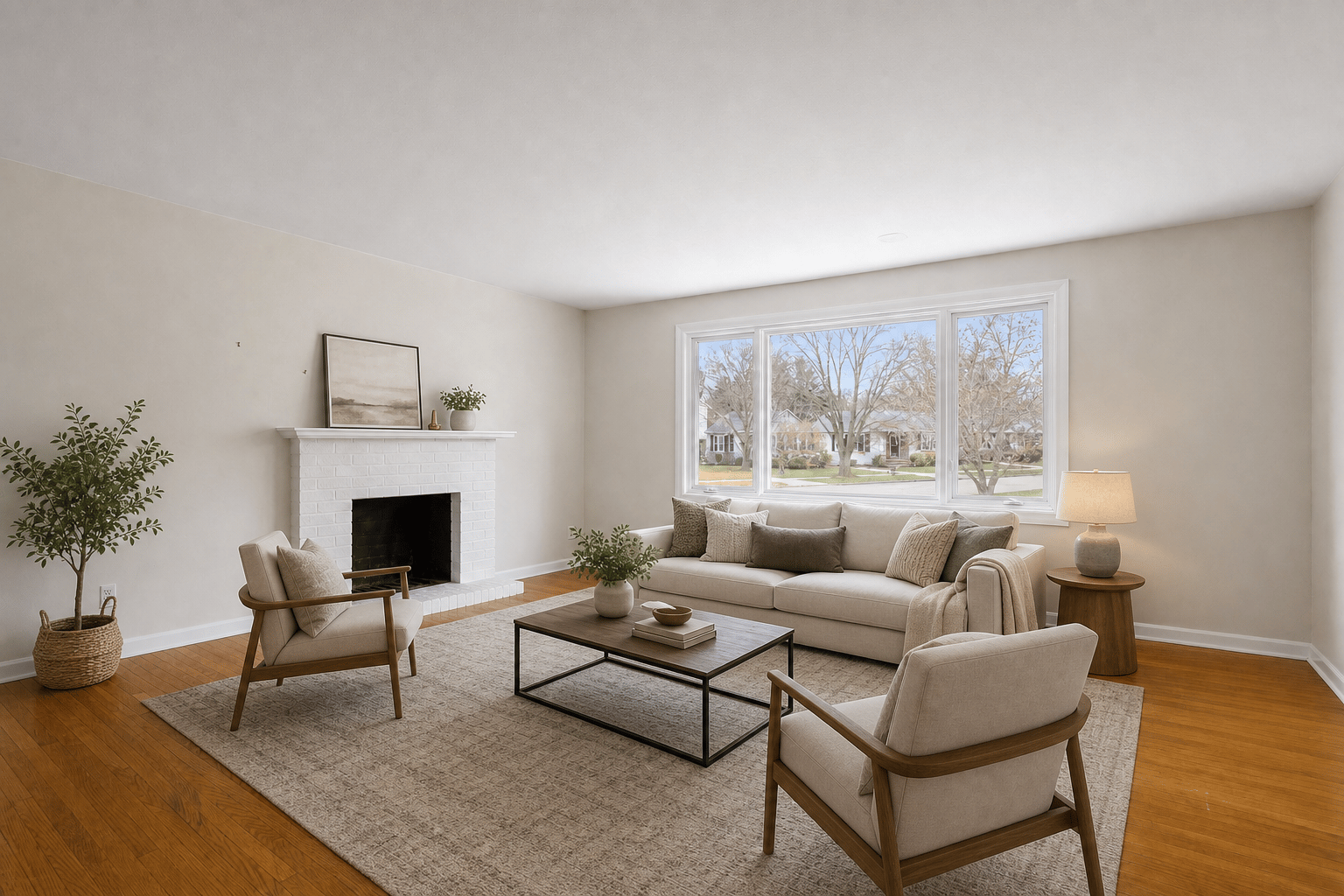
Create listing-ready staged room photos for vacant homes, buyer visualization, seller presentations, and disclosure-friendly real estate marketing.
30 sec
preview target
3
free previews
MLS
disclosure workflow
24/7
self-serve staging
Listing workflow
Use virtual staging when a room needs buyer context, seller approval, and a clean handoff before the listing goes live.
Show sellers how vacant or awkward rooms can read online before paying for physical staging.
Stage living rooms, bedrooms, dining areas, and offices so buyers can see a clear use for each space.
Pair staged photos with originals and preserve walls, windows, floors, fixtures, views, and perspective.
Workflow
Start with the rooms that matter most, review the staged result beside the original, then export the version your listing package needs.
Start with a clear listing photo that shows the floor, walls, windows, and natural room perspective.
Pick a buyer-friendly style and room type such as living room, bedroom, dining room, or home office.
Compare the staged photo with the original and add a virtual staging disclosure where required.
Yes, when the staged image is reviewed carefully and used according to MLS, brokerage, advertising, and local disclosure rules.
Start with the rooms that drive buyer understanding: living room, primary bedroom, dining room, home office, and any awkward flex space.
Yes. Keep the original and staged versions together so sellers, buyers, brokers, and MLS reviewers can understand what changed.